Extensions expand the browser's functionality and can be enabled for individual profiles. The extensions page has two sections: "My extensions" and "Recommended for you".
#My extensions
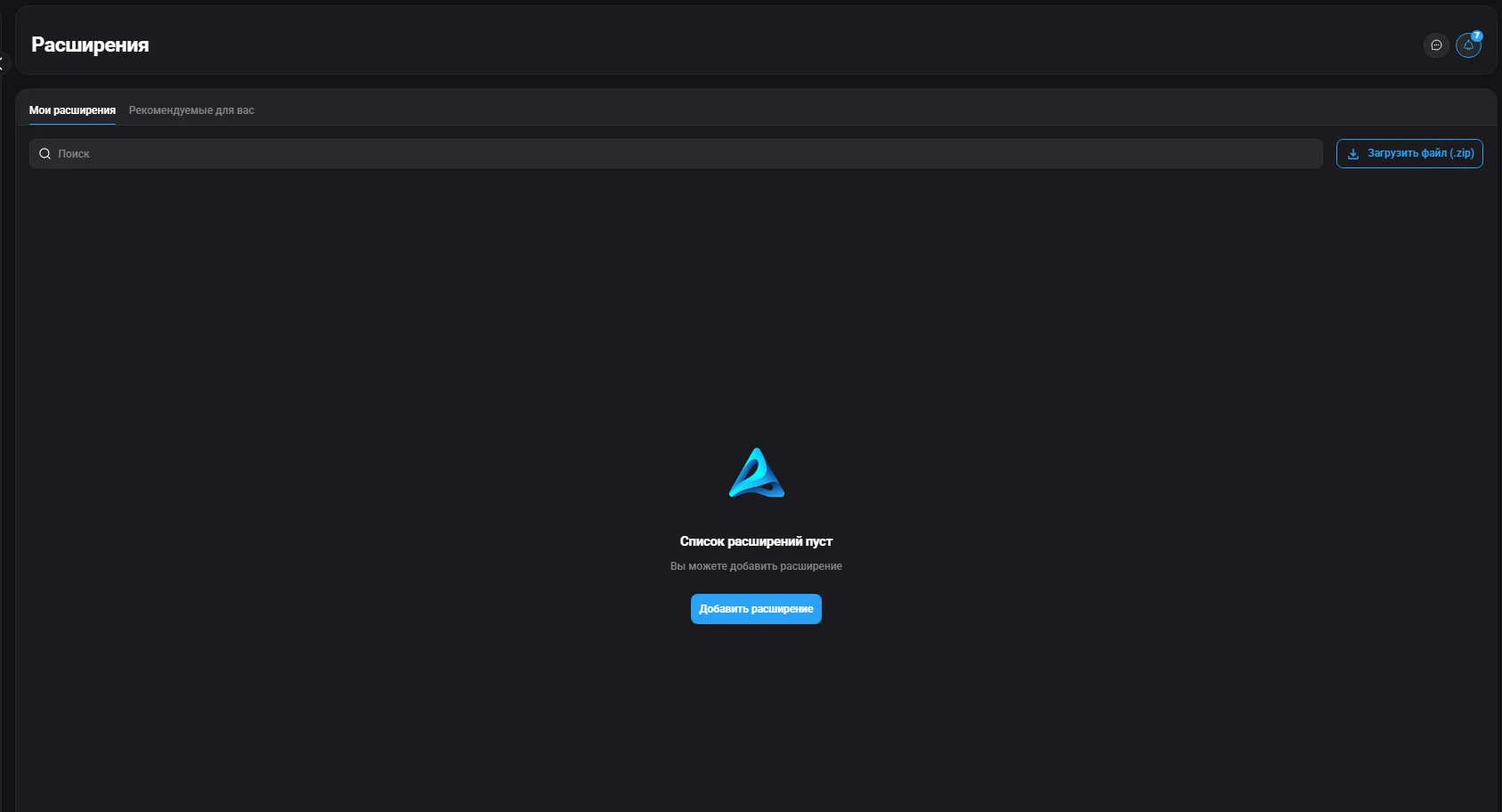
A list of extensions available for adding to profiles. Extensions appear here when you upload a .zip file, install an extension into a profile, or add one from the Chrome Web Store. Here you can manage extensions: Enable/Disable (an enabled extension is available when creating and editing a profile in the "Advanced" section), Delete, Upload extension (.zip for custom extensions), and find and add an extension directly from the Chrome Web Store via the search field.
#Recommended for you
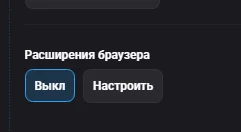
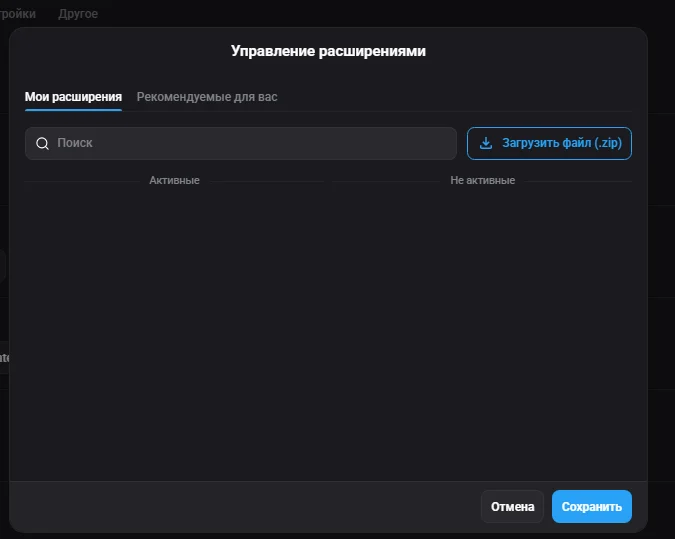
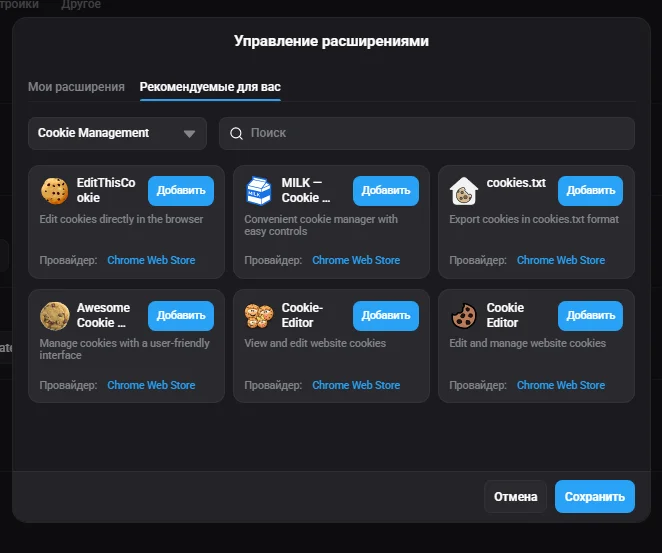
A built-in extension store with ready-made add-ons. To add an extension, click "Add" — it immediately becomes available for use in profiles without needing to upload a file. When creating or editing a profile in the "Advanced" section, you can enable the needed extensions; the "Active" and "Inactive" tabs show which extensions are enabled for a specific profile.