#Creating and using tags
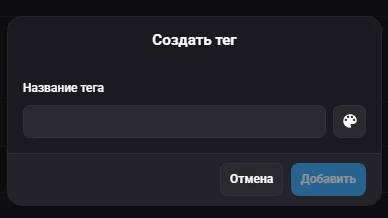
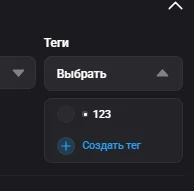
The "Tags" field is available when creating and editing a profile. Clicking "Select" opens a dropdown list of already created tags where you can check the ones you need. To add a new tag, click "Create tag" with the "+" icon — it immediately becomes available for selection and assignment to a profile. After creation, tags can be used to filter profiles on the main page via the "Tags" dropdown.