#Account registration
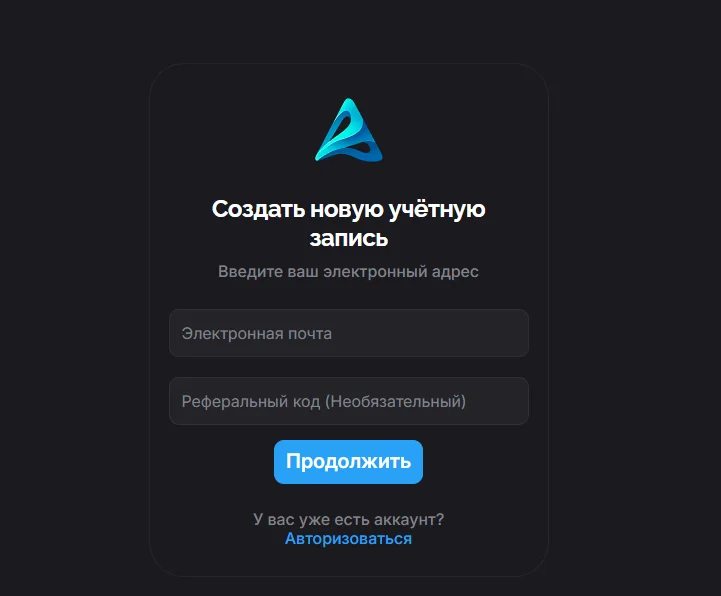
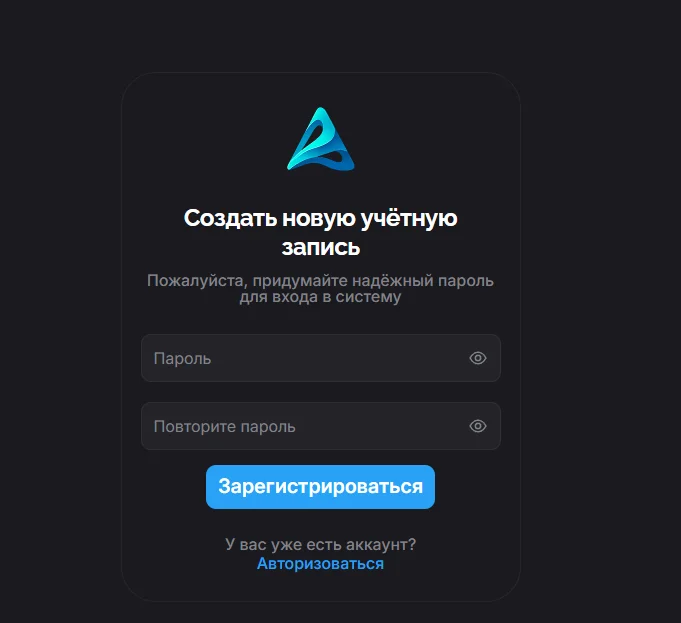
Registration is done via the official website or the installed client. To start, click the "Register" button in the top right corner of the page. Enter a valid email, optionally enter a referral code and click "Continue". Create and enter a password, saving it in a safe place beforehand, then confirm the password and click "Sign up". After this, an activation code will be sent to your email. If the email does not arrive, double-check the entered data and the "Spam" folder, or contact support.
#Installing the Aurorium Browser client
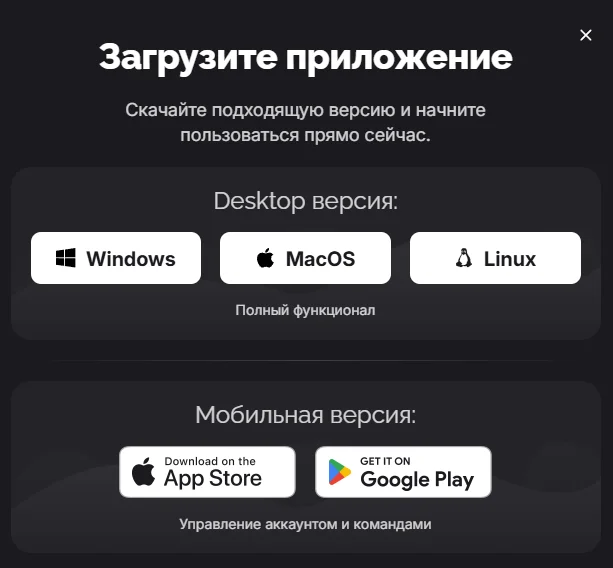
After completing registration, download the client for your platform from the official website. Before installing, review the minimum system requirements. Click the "Download" button in the top right corner of the page, choose your platform and click the corresponding button. Windows: open Aurorium.exe as Administrator and follow the setup wizard. macOS: open Aurorium.dmg and drag the client icon into the "Applications" folder. Linux: open Aurorium.AppImage and wait for all files to be copied.