#Choosing an existing proxy
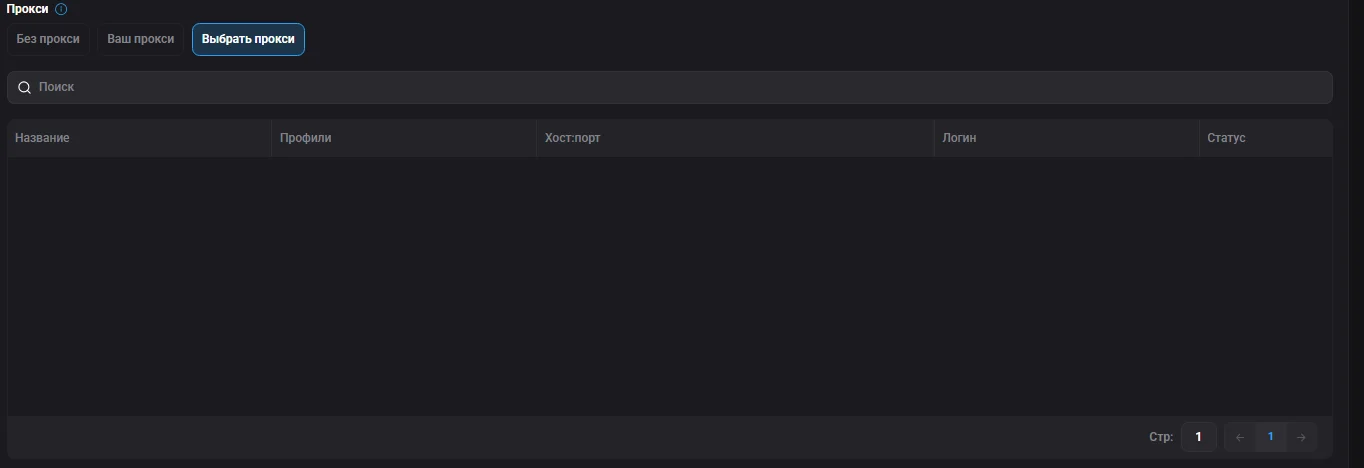
Besides the initial setup, you can add a new proxy to any existing profile or select already added proxies when creating / editing a profile.

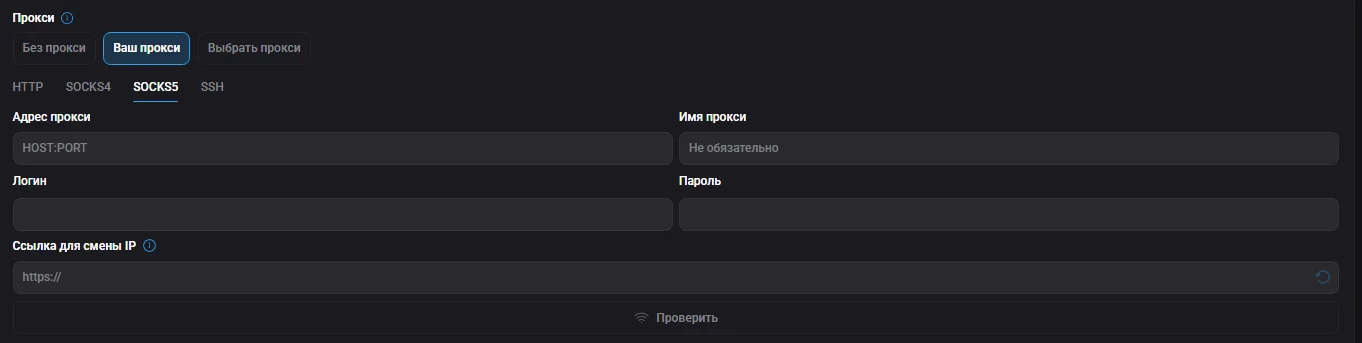
To add a proxy to a profile, use the formats ip:port:login:password or ip:port@login:password. Available protocols: SOCKS5, HTTPS, HTTP, SSH. If your proxy uses rotation, in addition to the credentials enter the IP change link in the corresponding field. After entering all data, you can check the proxy's availability with the "Check" button.

Besides the initial setup, you can add a new proxy to any existing profile or select already added proxies when creating / editing a profile.