This section displays the available pricing plans, additional services and payment history.
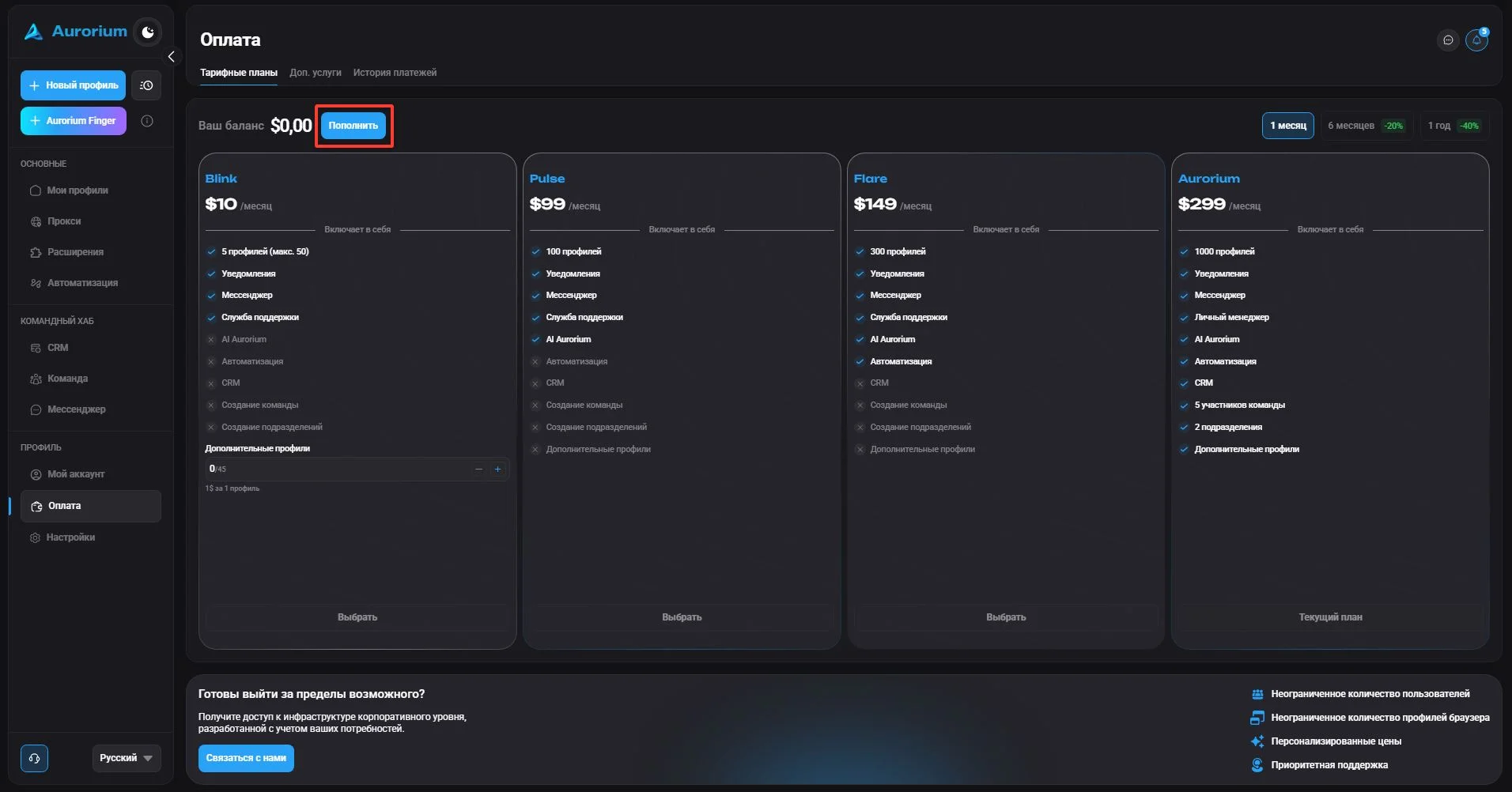
#Pricing plans
In this section you can top up your balance and choose a plan. To top up the balance, click the "Top up" button. After topping up, the option to choose a plan appears. You can also pay for a plan directly by card or cryptocurrency, without topping up the balance.
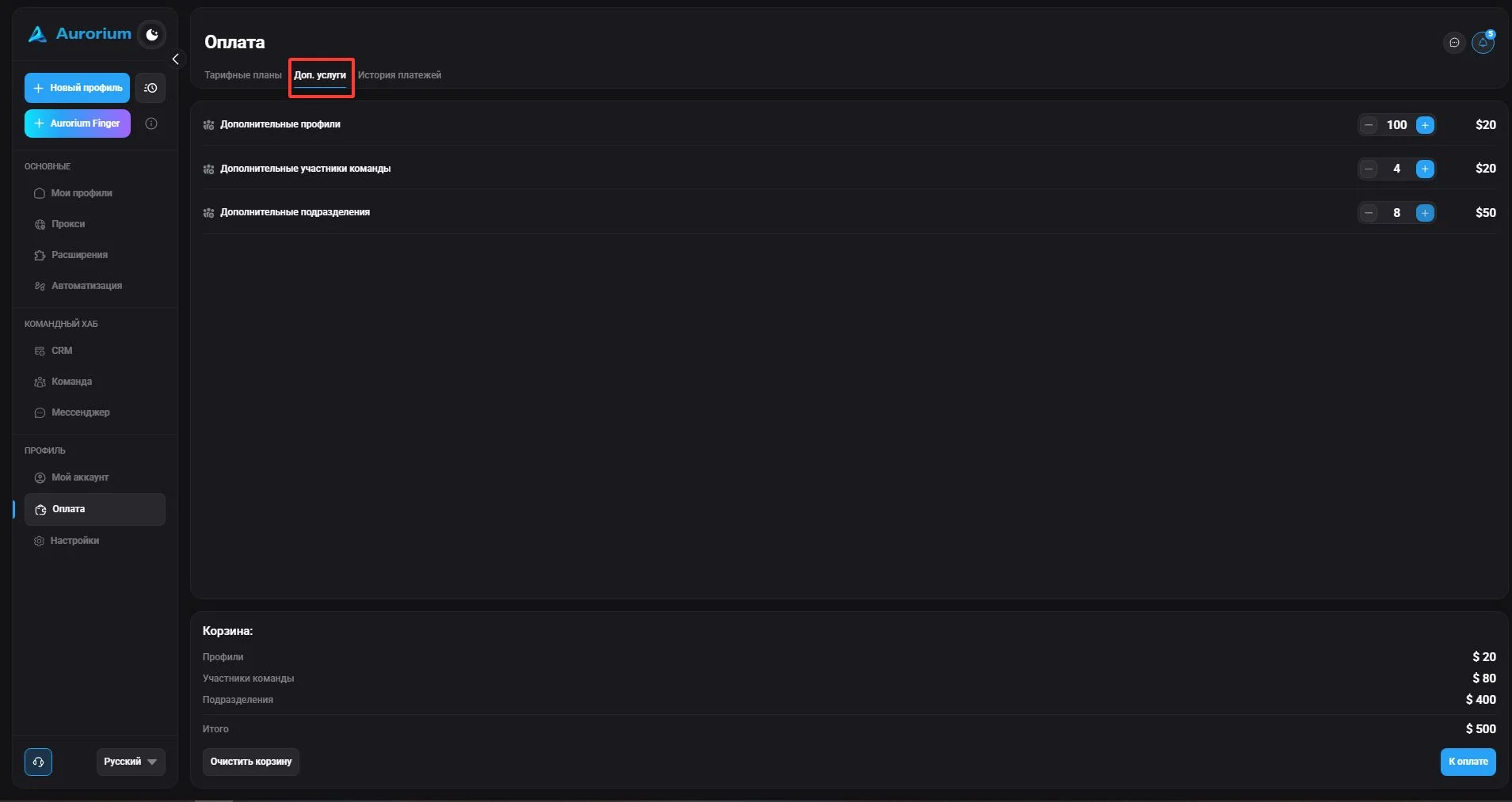
#Additional services
To add extra profiles, team members or departments, click "Additional services", add the needed amount to the cart and click "Checkout".
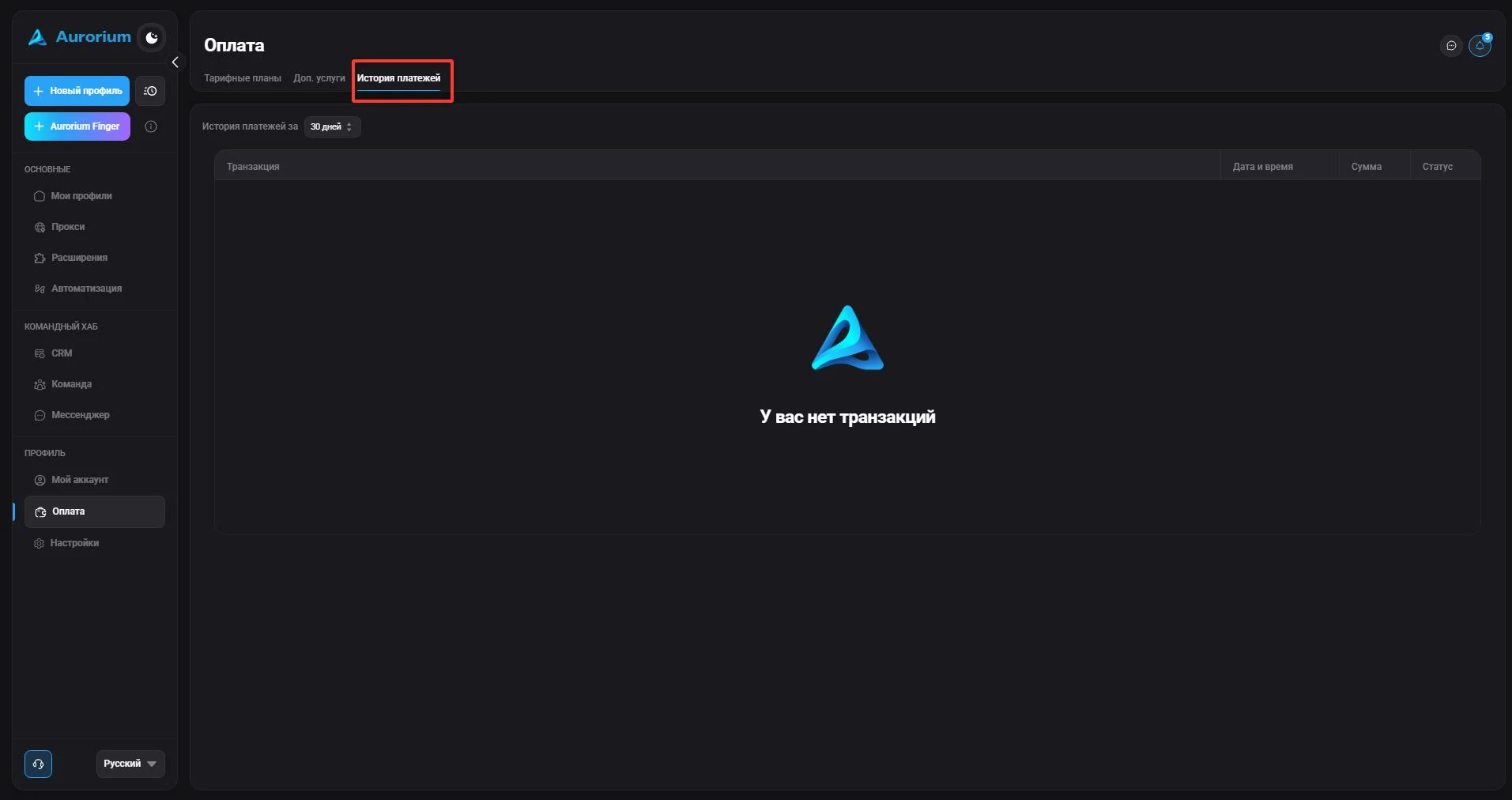
#Payment history
In this section you can view the payment history: date and time, amount and status.