#Changing the profile picture
To change the profile picture, click the pencil icon, select the image you want to set as your avatar in the window that appears, and click "Save". The changed image will appear on the account page.
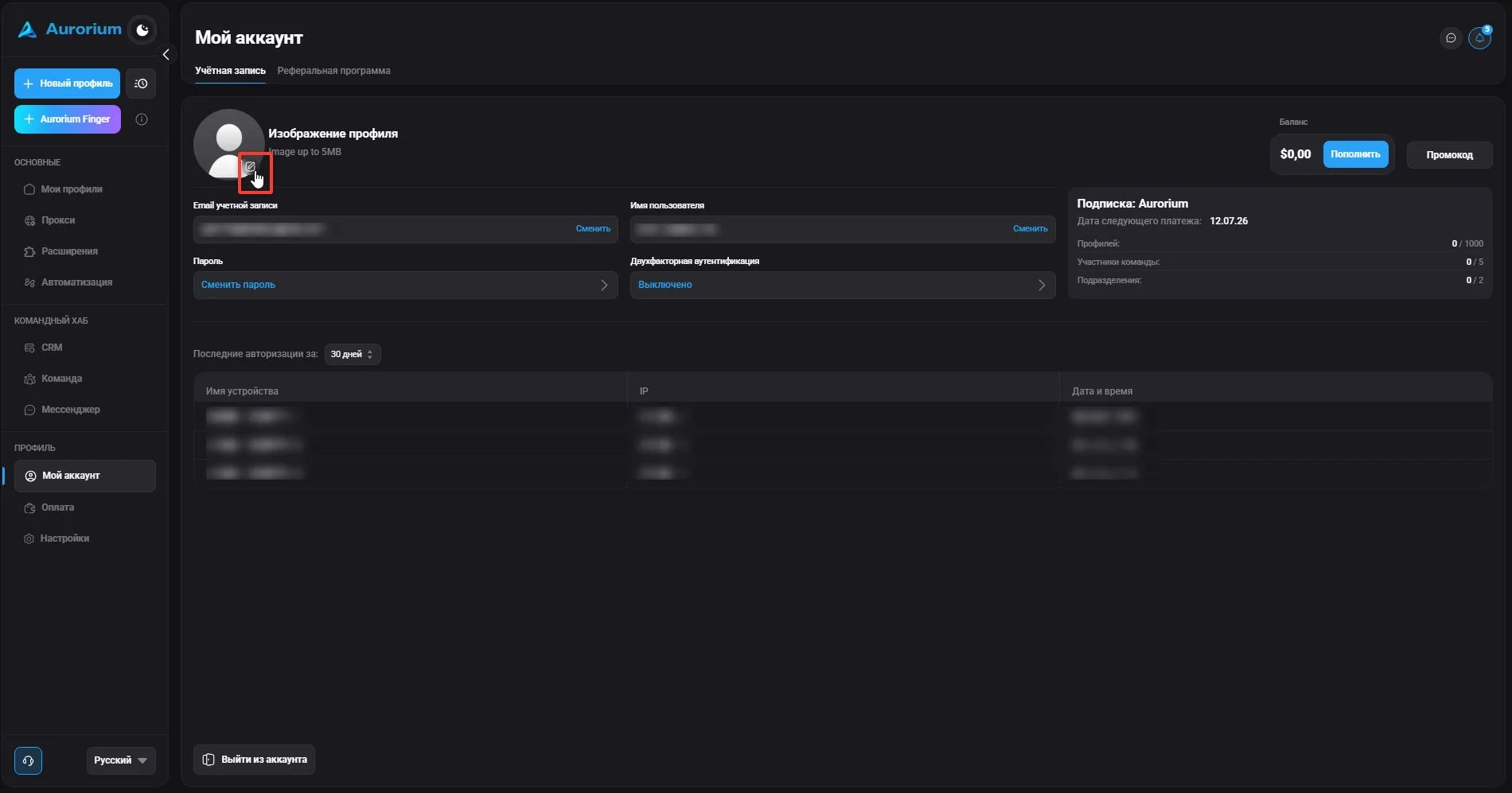

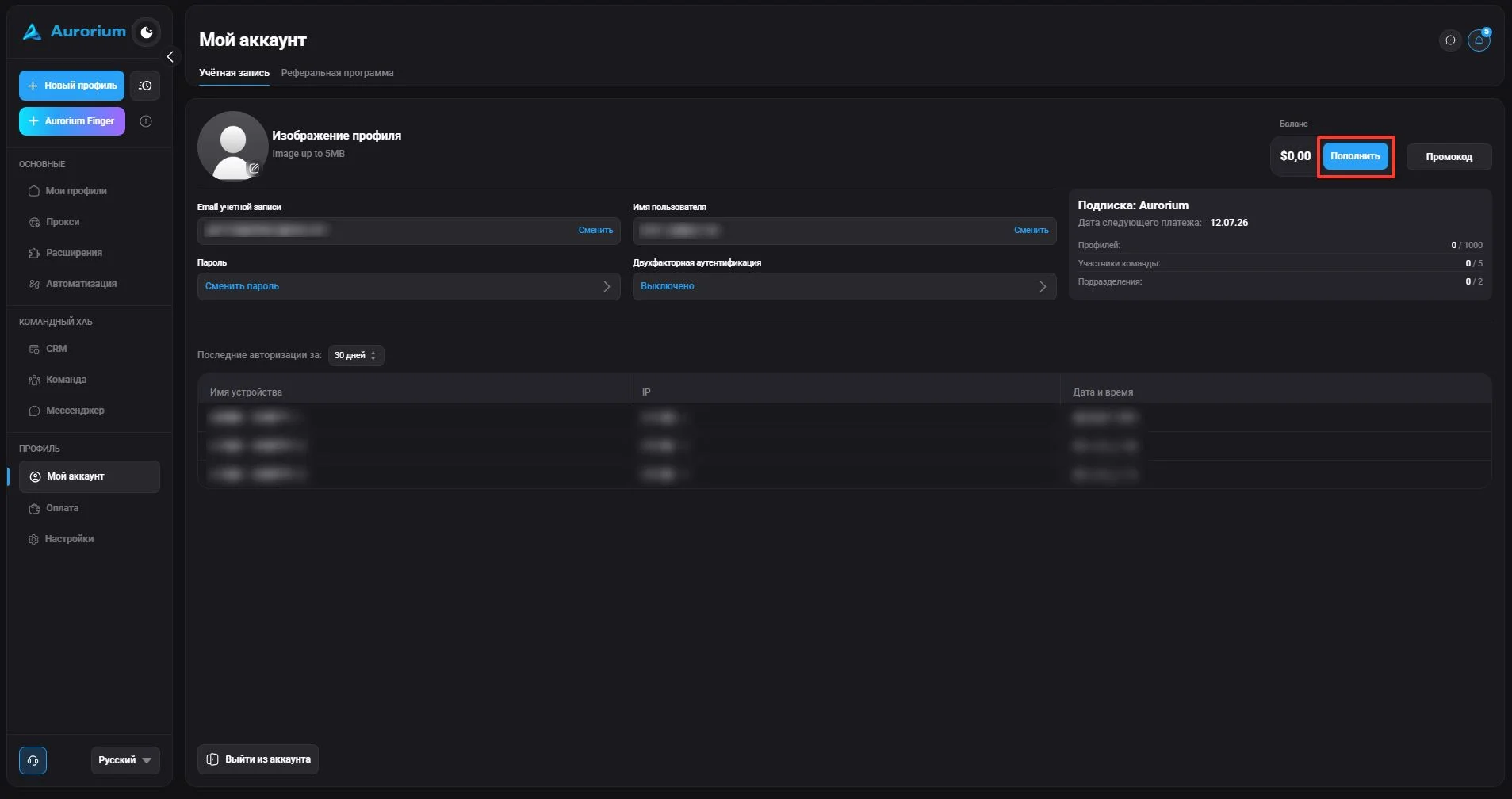
This section is for viewing plan information, changing your password and avatar, as well as managing some basic anti-detect browser functions.
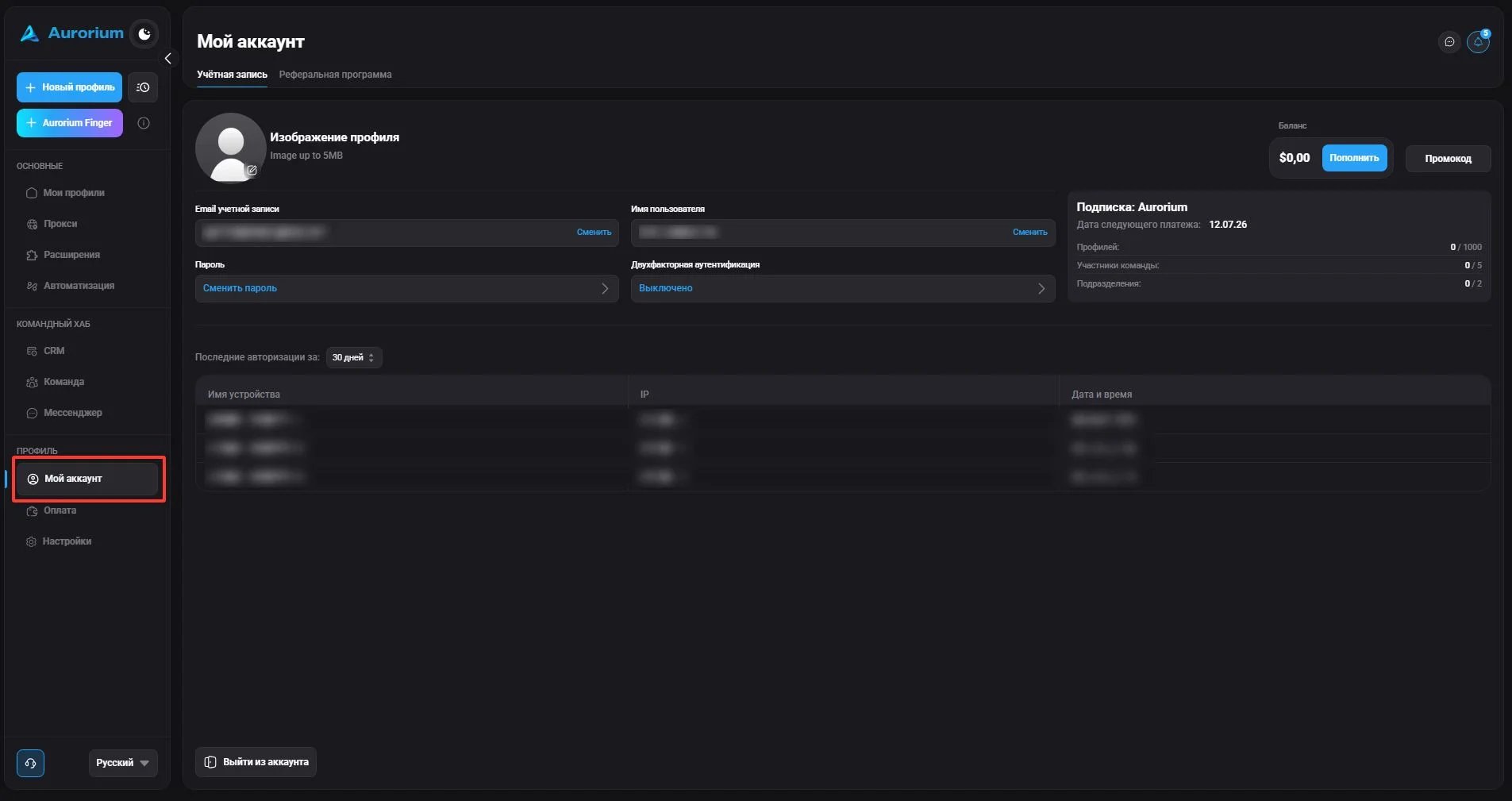
To change the profile picture, click the pencil icon, select the image you want to set as your avatar in the window that appears, and click "Save". The changed image will appear on the account page.
To change your email, click the "Change" button. Enter the code sent to your email or authenticator and click "Continue". In the window that appears, enter the new email address and click "Confirm".
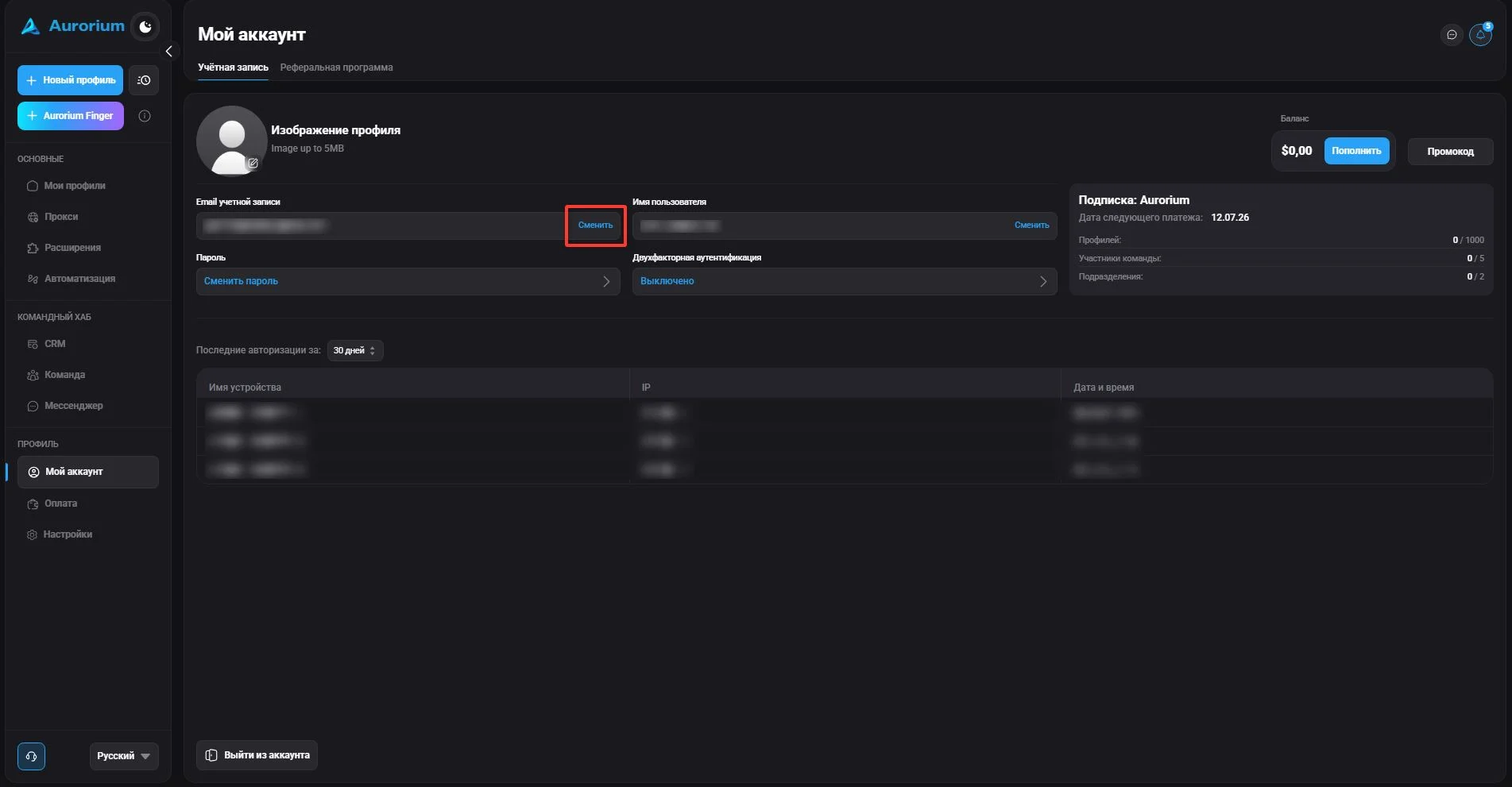
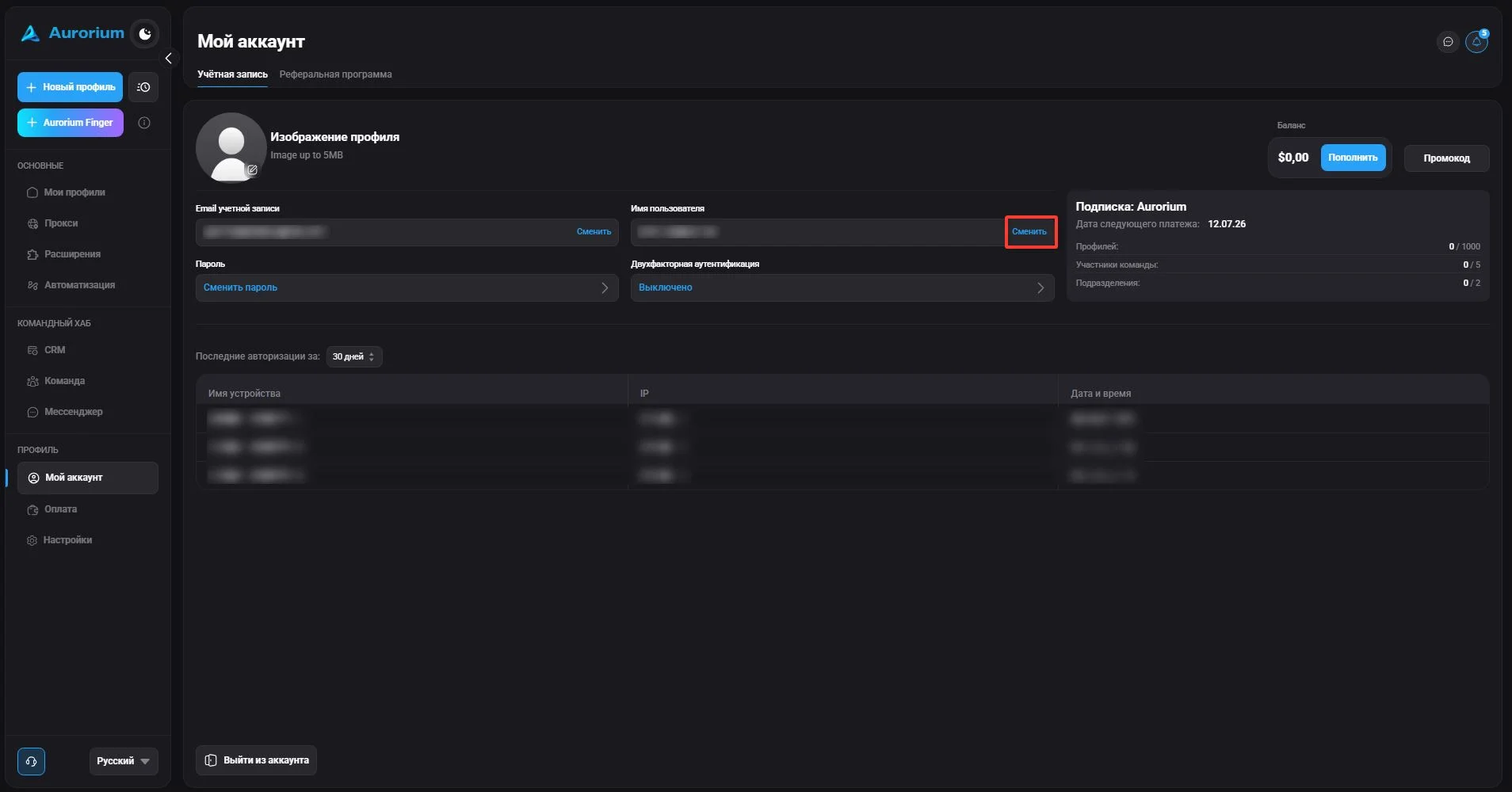
To change your username, click "Change" next to the corresponding field. In the window that appears, enter the new name and click "Save". The new name will be displayed in the profile.
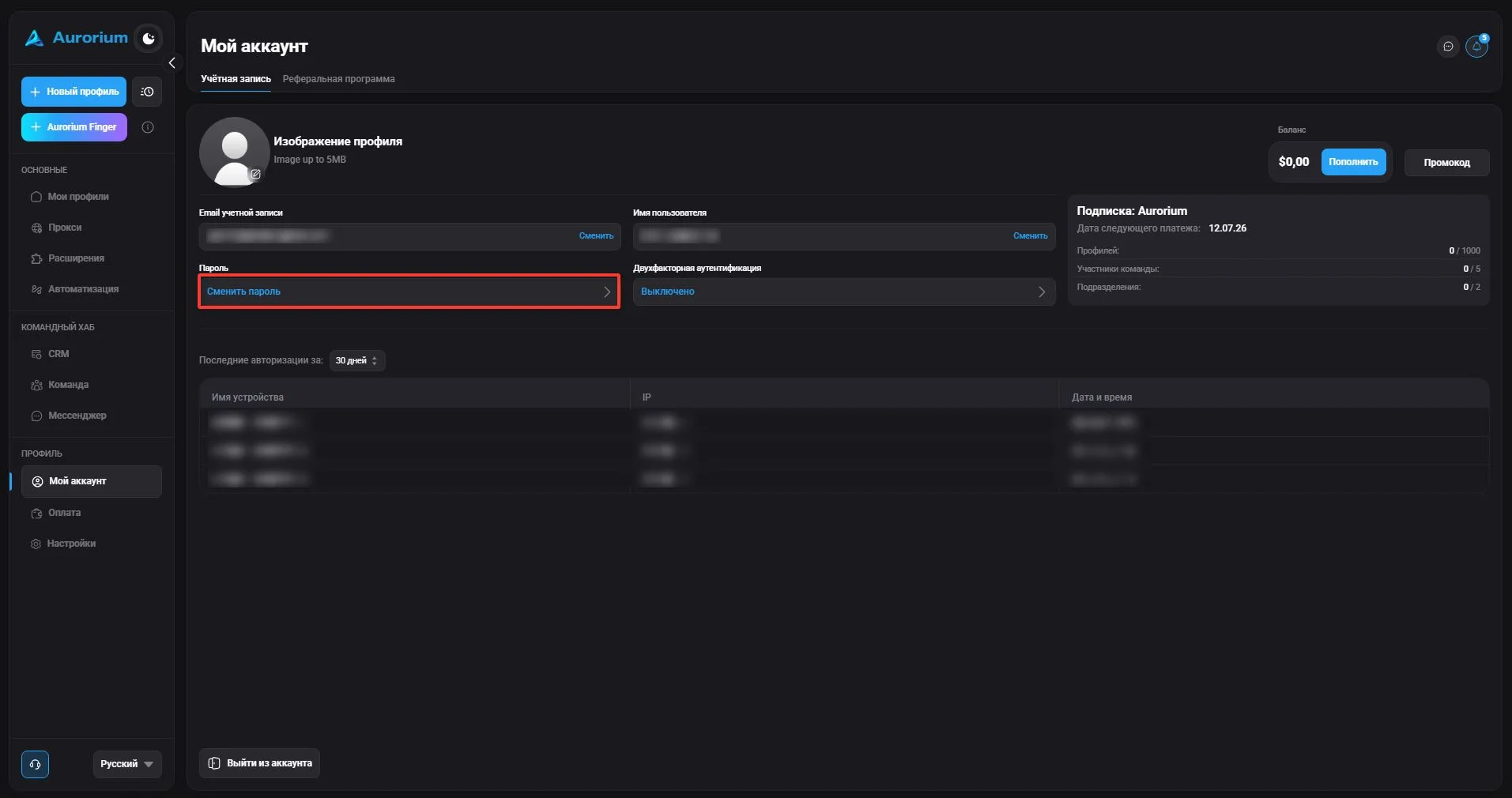
To change your password, use the "Change password" button, then confirm your current password, enter a new one and click "Continue".
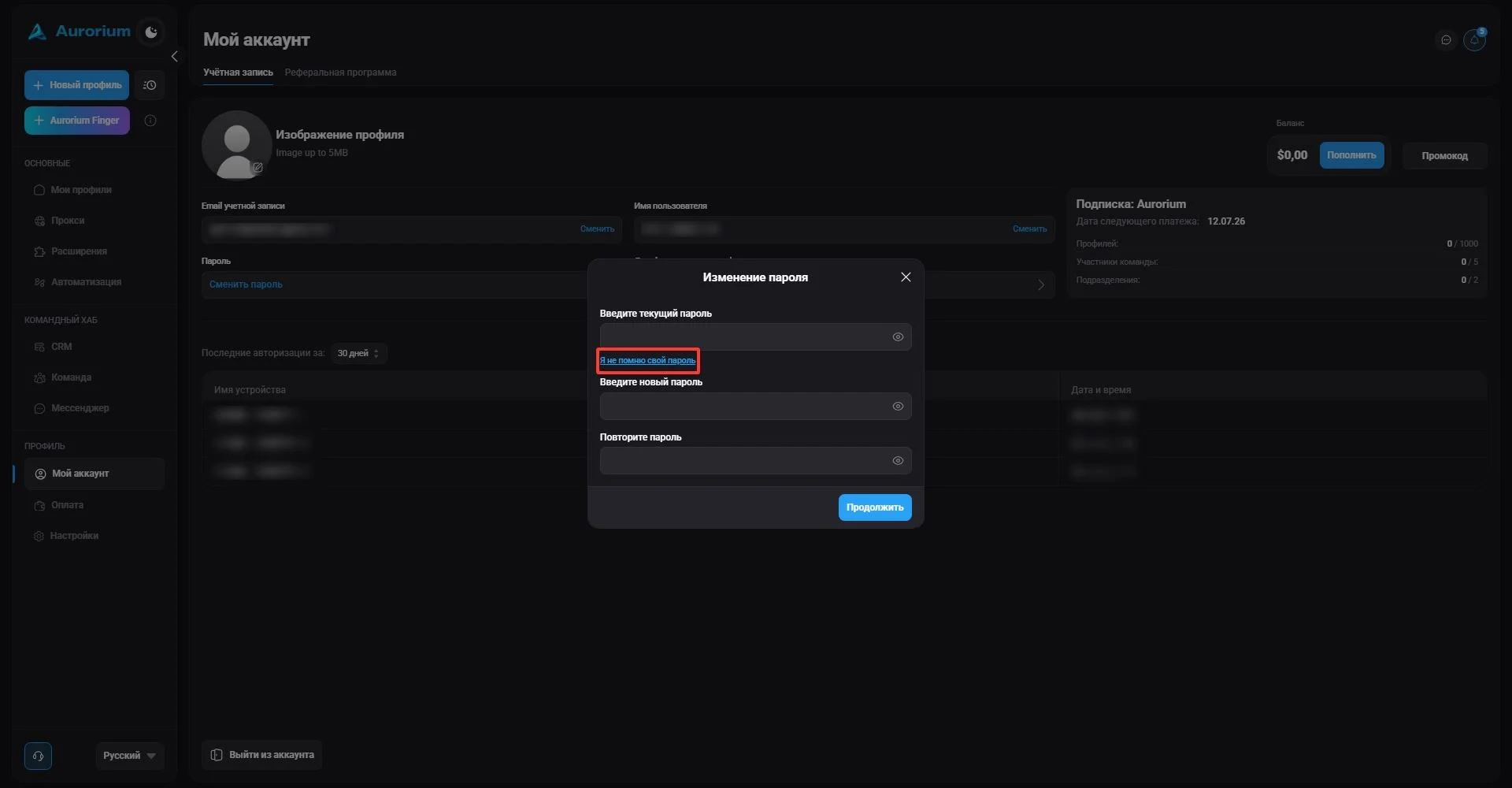
If you forgot your password, click "I don't remember my password" — Aurorium will send a confirmation code to your email or authenticator. Enter the received code and click "Continue". In the window that appears, enter a new password and click "Confirm".
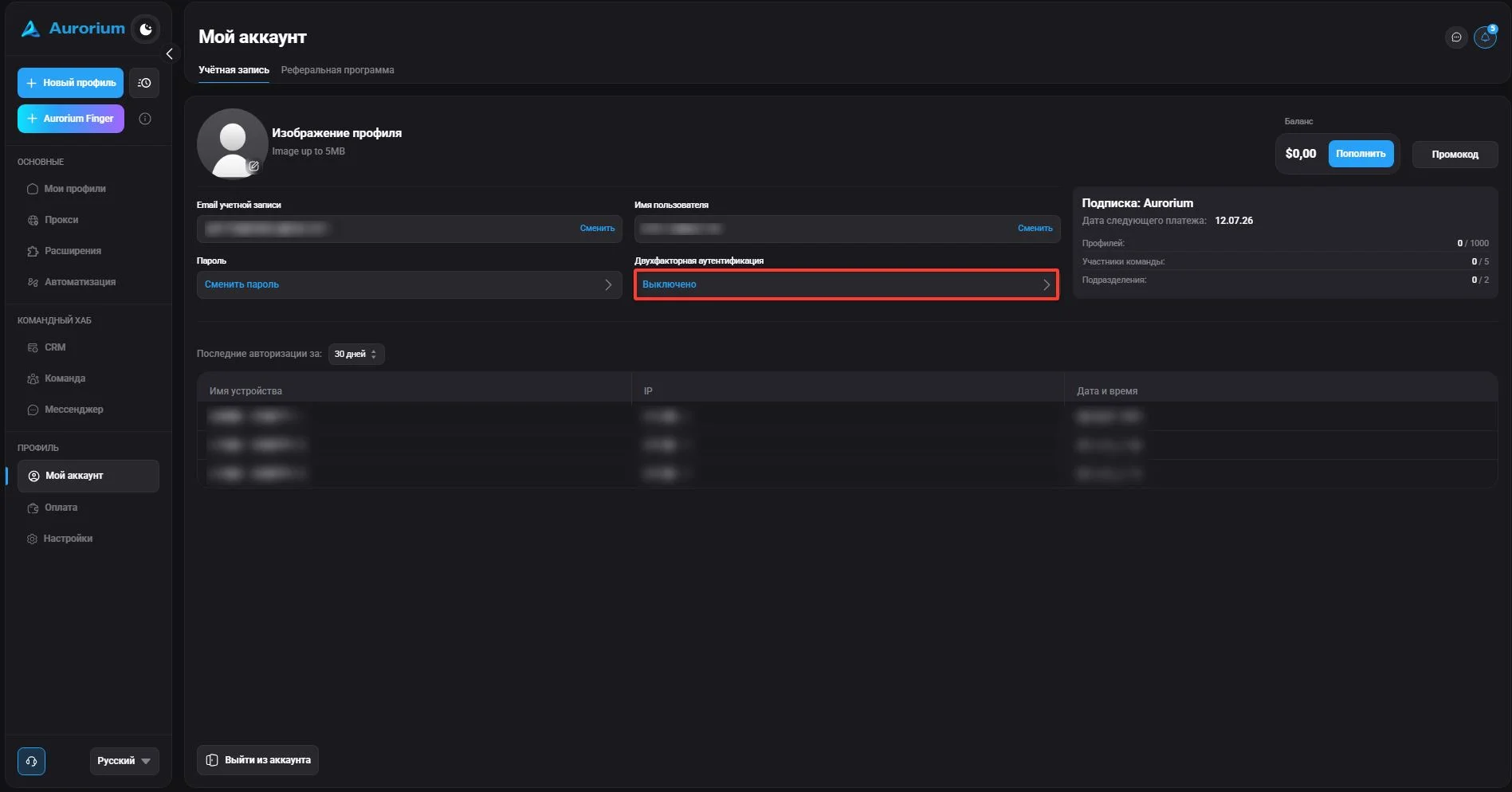
Two-factor authentication (2FA) is a data protection method that requires two independent ways to confirm the user's identity, strengthening account protection. To set it up, click the corresponding button — Aurorium will send a code to the email specified in the profile. Scan the QR code using an authentication app. After this, Aurorium will require additional identity confirmation on login.
To top up the balance, click the "Top up" button and choose a convenient payment method. After payment, the new balance will be displayed.
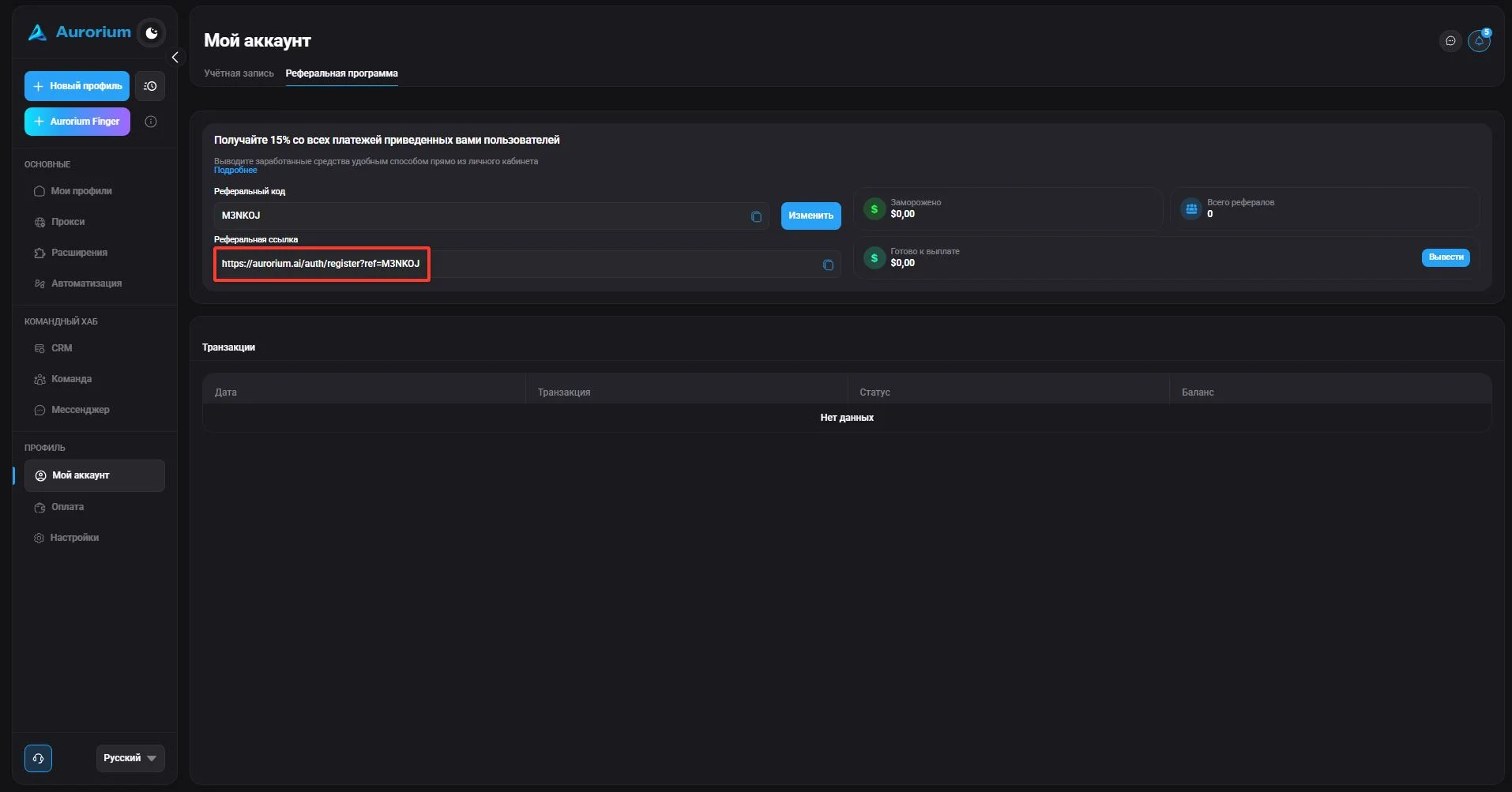
You can invite new users and receive a reward for their activity. To do this, share your personal account link with them. The reward appears as soon as your referral makes a payment in the client. The money appears in your personal account and is available for withdrawal after 14 days. To withdraw funds, use the "Withdraw" button.