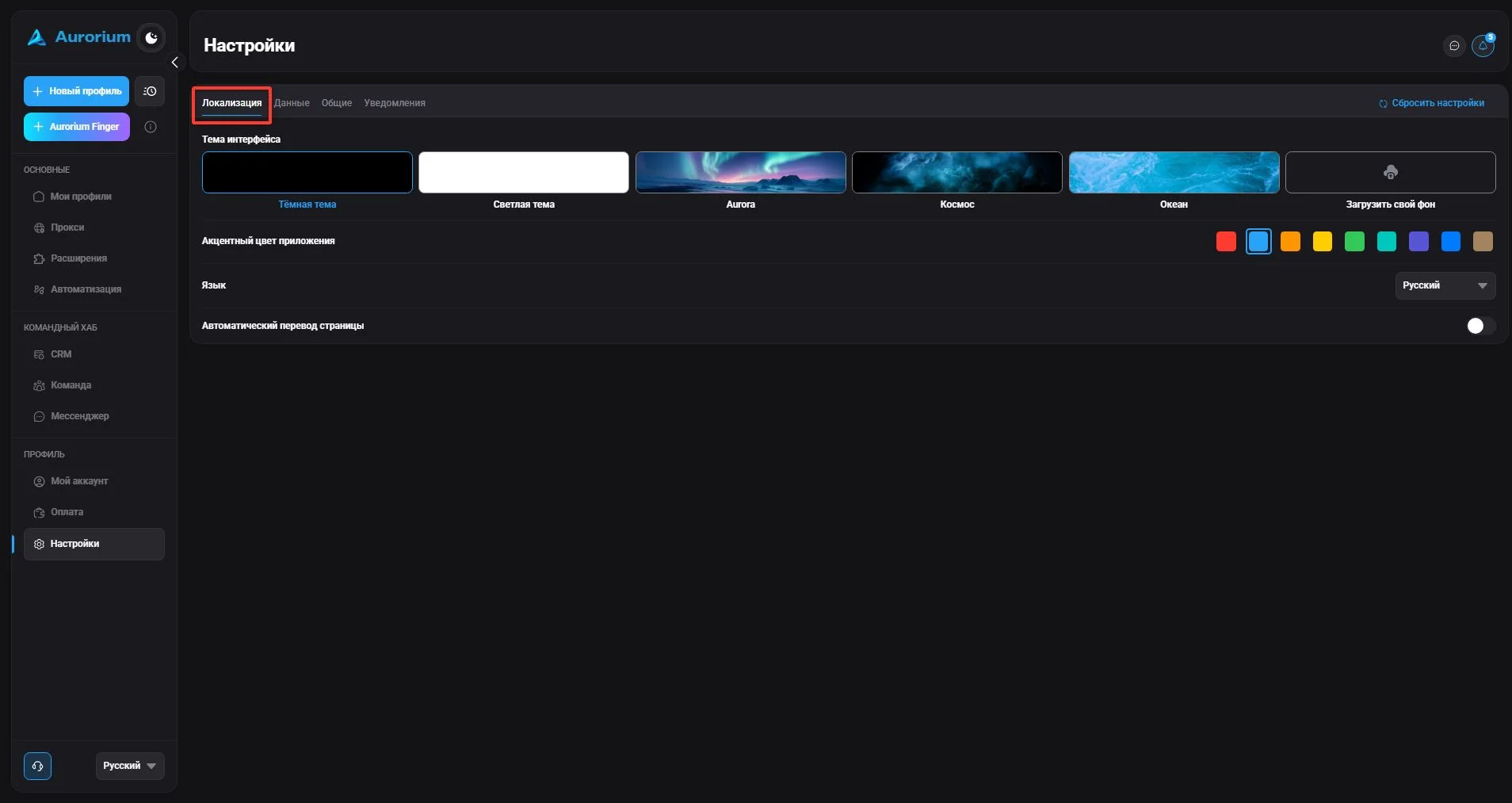
#Localization
In this section you can choose the interface theme, the anti-detect browser's accent color, the language, and enable/disable automatic page translation.

The settings section is for managing the basic functions of Aurorium.
In this section you can choose the interface theme, the anti-detect browser's accent color, the language, and enable/disable automatic page translation.
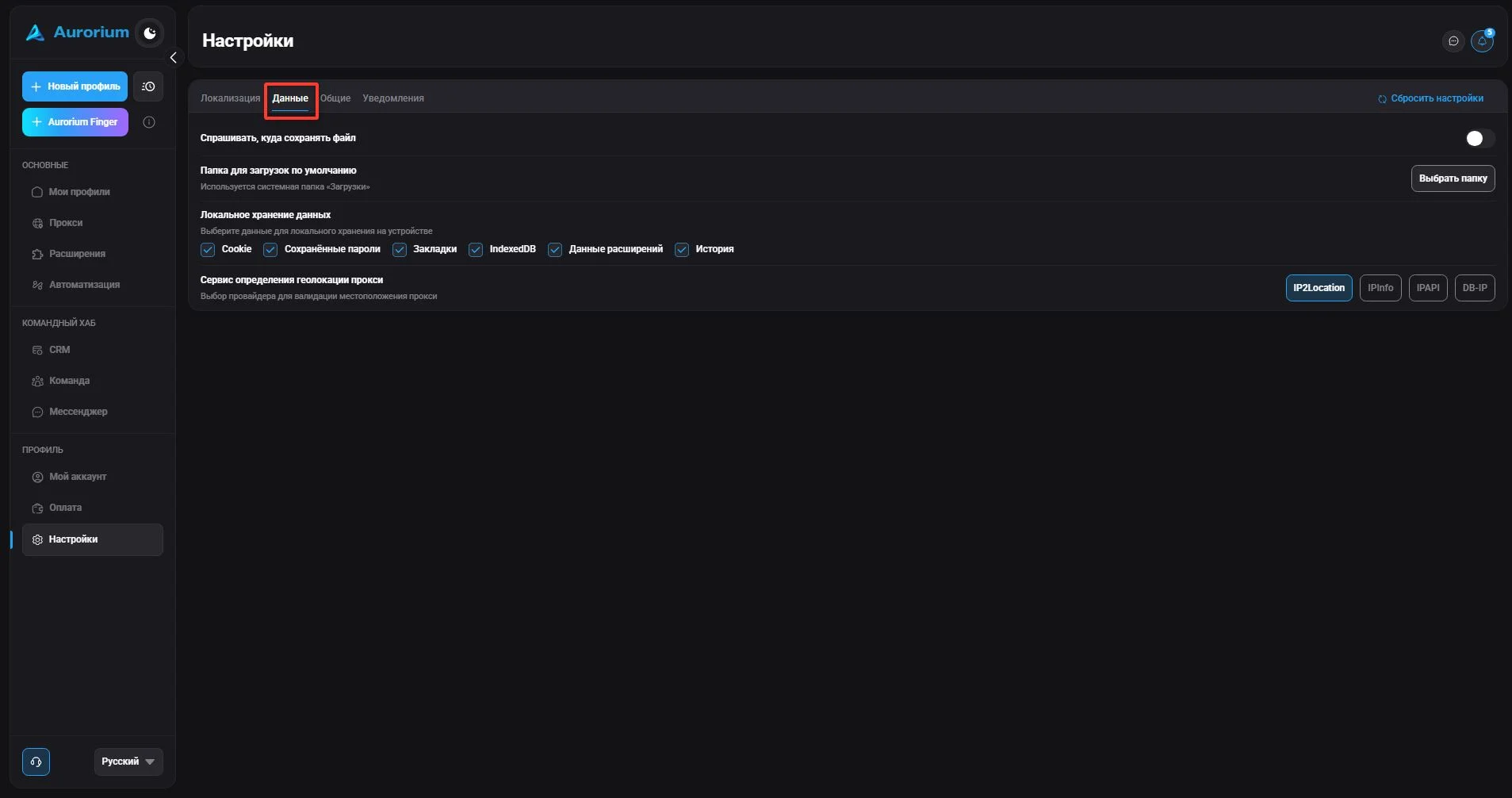
In this section you can choose where to save downloaded files, specify which data is stored locally, and select a provider for proxy location validation. Local storage is a folder on the hard drive that stores all profile data, extensions, the browser core, etc. It acts as a buffer between the user's PC and cloud storage: synchronization occurs when opening and closing a profile, and the local copy speeds up launch.
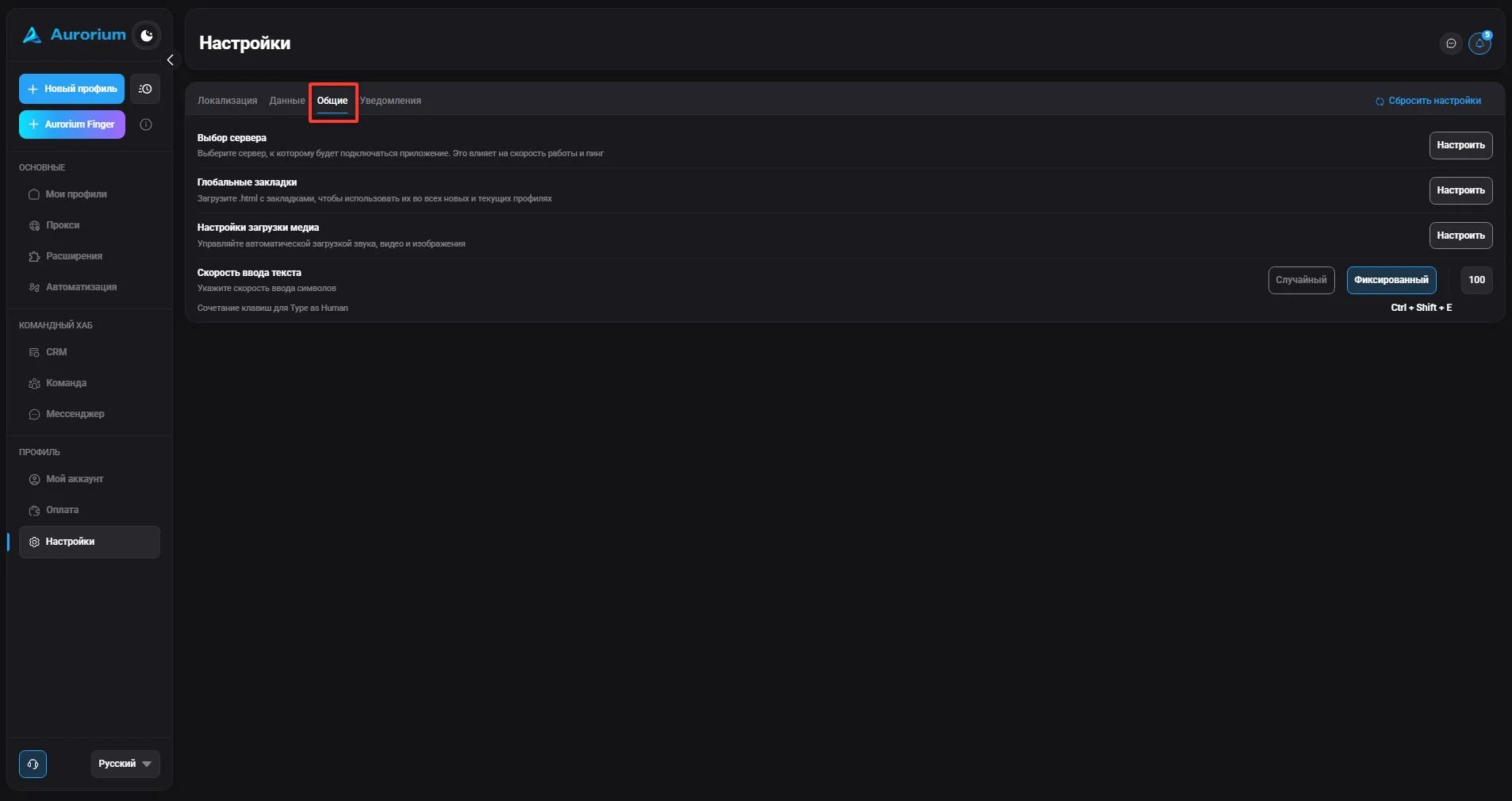
Here you can choose the server Aurorium connects to (by default "smart mode" picks the server with the lowest ping; you can choose a location manually via "Configure"), set a global bookmarks file (import in html format), configure media loading (audio, video, images) and set the text input speed. The input speed helps bypass anti-fraud filters by imitating human typing and applies to all profiles.
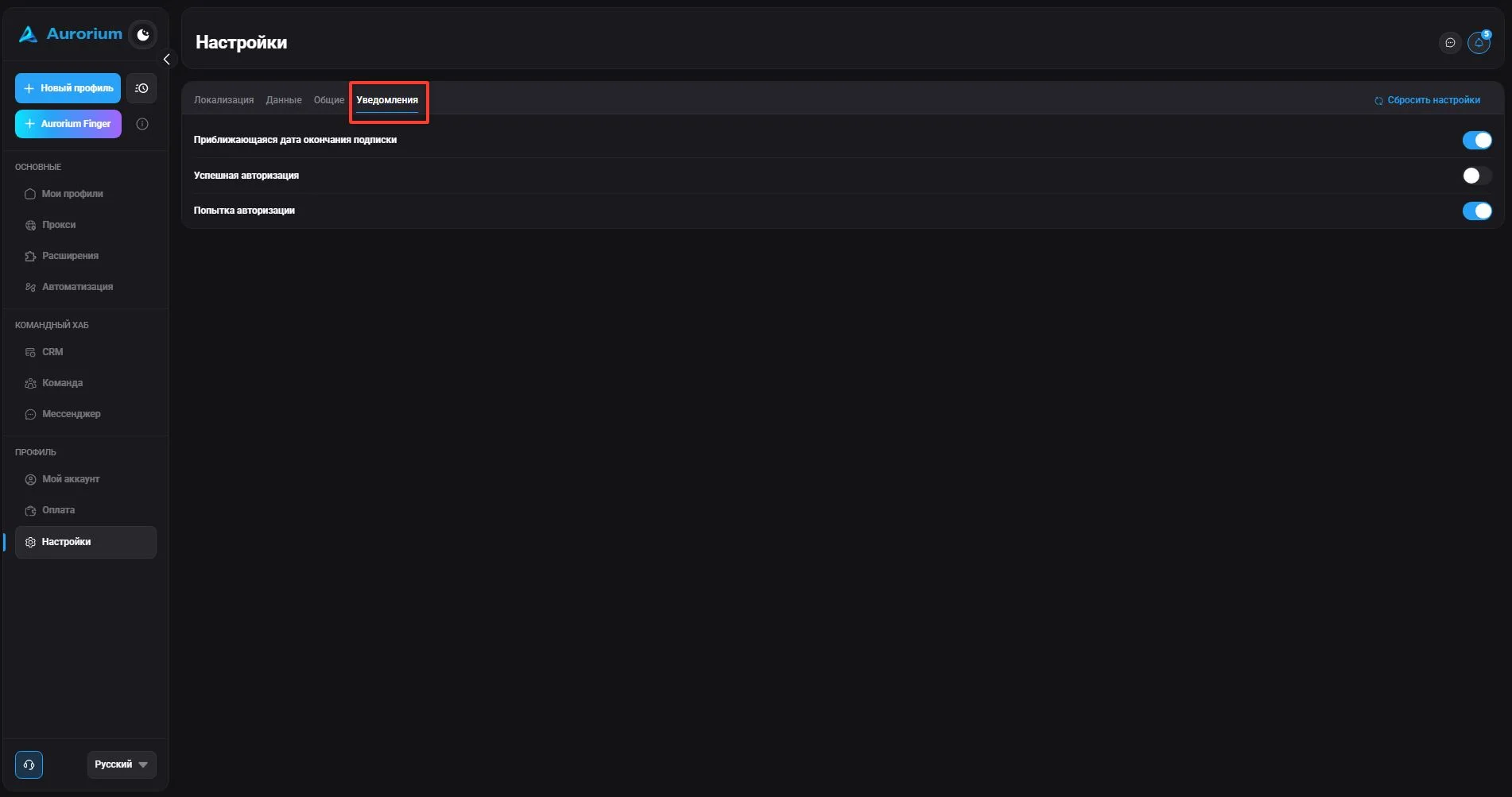
In this section you can manage receiving notifications. Currently, notifications about subscription expiration and authorization are available. To edit, check or uncheck the selected notifications.