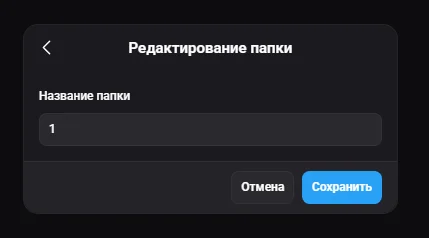
#Creating a folder
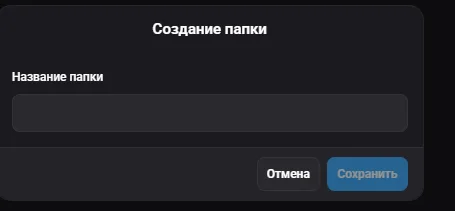
Opens a window where you set the name of the new folder in the "Folder name" field. After entering it, click "Save" to create or "Cancel" to exit without saving.

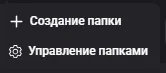
Folders let you group profiles for convenient organization and navigation. Folder management is available through the "..." menu next to the "All profiles" tab: the actions "Create folder" and "Manage folders" are available.
Opens a window where you set the name of the new folder in the "Folder name" field. After entering it, click "Save" to create or "Cancel" to exit without saving.
Opens a window with a list of all created folders. Here you can edit a name (pencil icon), delete a folder (trash icon) and create a new folder ("Create folder" with the "+" icon). After making changes, click "Save" to apply or "Cancel" to exit.